
-
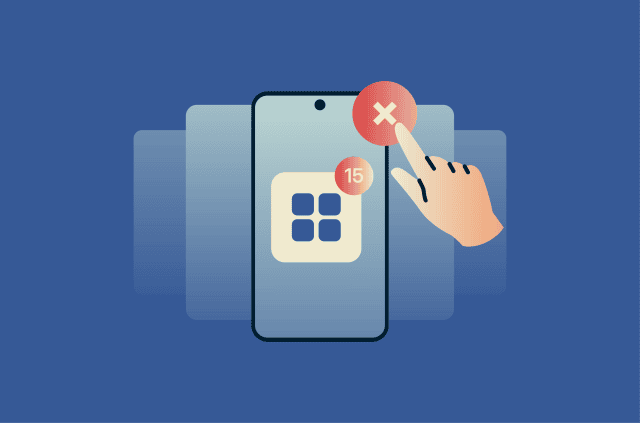
How to stop apps running in the background on Android
No universal rule says how long a phone charge should last. But sudden battery drain and unexplained mobile data use stand out, especially when your screen time hasn't changed. Background app activity...
-
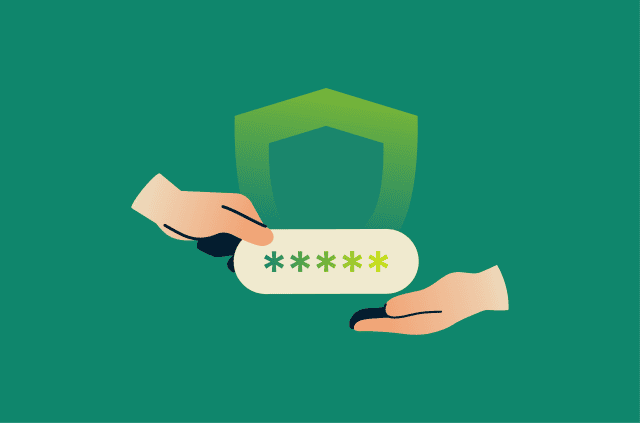
Secure ways to share passwords: Safer options for family and work
Whether you’re giving a family member access to an account or helping a coworker log into a shared tool, sharing passwords is sometimes unavoidable. The key is sharing them in a way that reduces the...
-
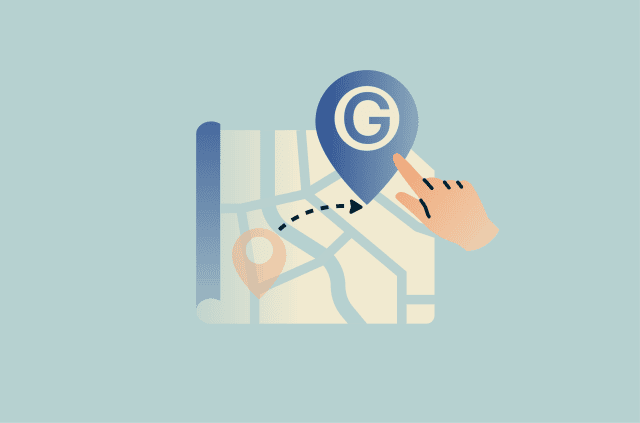
How to change location on Google: A complete guide
Google uses location data across many of its services, but changing your location isn't always straightforward. Different Google products rely on different location settings and signals, so updating o...
-
How to disable Windows Recall and protect your privacy on Windows 11
AI features can make Windows 11 feel smarter and easier to use, but they can also change how your data is handled. Tools that remember, summarize, or search your activity need access to information ab...
-
Google Docs AI data collection: What it means, what’s at risk, and how to stay in control
Google Docs is widely used to create, store, and collaborate on documents, but its growing integration with AI has raised new questions about data privacy. Understanding Google Docs AI data collection...
-
ChatGPT age verification: What it means for your privacy and access
In January 2026, OpenAI introduced an age prediction system that identifies whether a ChatGPT account likely belongs to a user under 18 and applies stricter content rules to those accounts, framing th...
-
How to blur a photo on iPhone and protect your privacy online
From a utility bill left on the kitchen counter to a parking permit visible behind a selfie, everyday photos can reveal personal information. Usually, the privacy risk isn't the subject of the photo. ...
-
How to disable Firefox password manager: A simple guide to safer logins
Saving passwords in Firefox can be convenient on a private, well-secured device, but it’s not always the ideal solution, especially if you share a computer or want a password manager that works acro...
-
EXIF data explained: What your photos reveal and how to stay private
Photos can reveal more than what's visible in the image. Many image files contain embedded information like the Exchangeable Image File Format (EXIF) that may be retained when they're uploaded or shar...
-

The new Meta rule explained: Can Meta use your photos without permission?
Meta doesn’t automatically get access to every photo on your phone. Photo access usually depends on what you upload, the permissions you grant, or whether you turn on a feature that uses your camera...
Privacy