
-
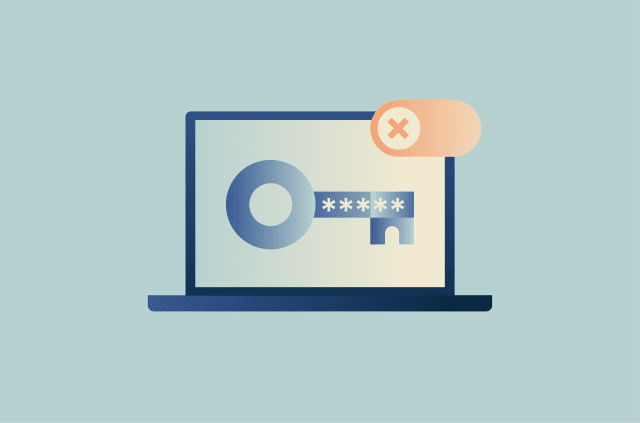
How to disable Google Password Manager: A simple guide for every device
Google Password Manager is built into Chrome and Android, which can make it easy to overlook. When you sign into Chrome, it can offer to save your passwords and passkeys and make them available across...
-
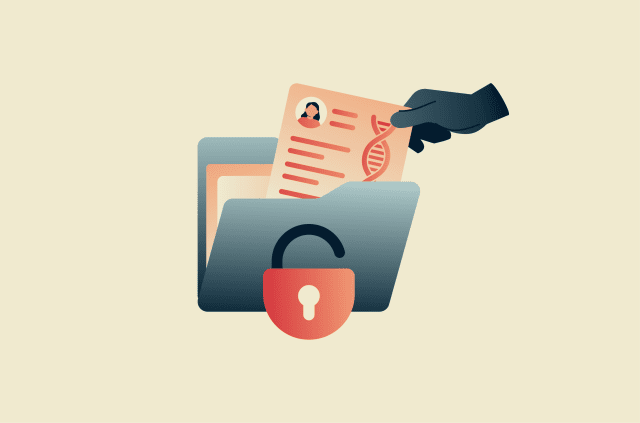
23andMe data breach: What happened and how to protect your data
In late 2023, the consumer genetic testing company 23andMe confirmed that malicious actors had accessed thousands of customer accounts using stolen login credentials. More than 18,000 accounts were di...
-
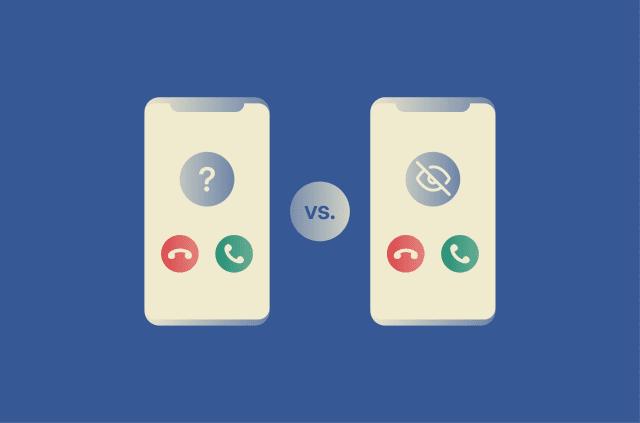
Unknown Caller vs. No Caller ID: What's the difference?
Unknown Caller or No Caller ID may seem like the same thing, but they’re not. That difference matters when you’re deciding whether to answer. Unknown Caller generally means the caller's informatio...
-
Online anonymity explained: What it means and how to improve your privacy
Online anonymity is the ability to stay unknown and unrecognizable on the internet. While true online anonymity is almost impossible to achieve, users can take active steps to protect their identity a...
-
What is Dynata? Why you’re getting calls and how to stop them
If Dynata is calling or texting you, it usually means your number is on a market research contact list. Although it’s a legitimate company, Dynata calls may arrive without context or repeatedly, whi...
-
How to deGoogle your life: Reduce reliance on Google services
DeGoogling is the process of removing Google products from one’s digital life. This can mean anything from replacing Gmail and Chrome to reducing Google services across all devices. Some changes tak...
-

How to stop Google Photos backup on Android, iPhone, and PC
Google Photos backup is convenient, but it can also use up Google Account storage and upload more images than expected. If backups are running on multiple devices, it can also make photo management mo...
-
Gmail confidential mode: What it does and how to use it
Gmail confidential mode is a feature in Gmail that lets the sender set conditions on how an email is accessed and used after delivery. While it can help limit how recipients interact with an email, th...
-
CAN-SPAM Act explained: What it means for your inbox
The Controlling the Assault of Non-Solicited Pornography and Marketing (CAN-SPAM) Act is a U.S. law passed in 2003 that sets rules for commercial email messages. The law gives recipients the right to ...
-
Google Gmail AI security: How to protect your inbox, privacy, and data
Gmail uses artificial intelligence (AI) to support both everyday email features and account security protections. These systems can help make email easier to manage while also bringing privacy, data a...
Privacy