

Get a VPN with advanced protection
Block intrusive display ads, trackers, and harmful sites. All in a single app.

All new advanced protection features
ExpressVPN goes beyond VPN protection with additional tools to help keep you more secure and private online.
For a safer online experience
-
![advanced protection threat manager illustration feature]()
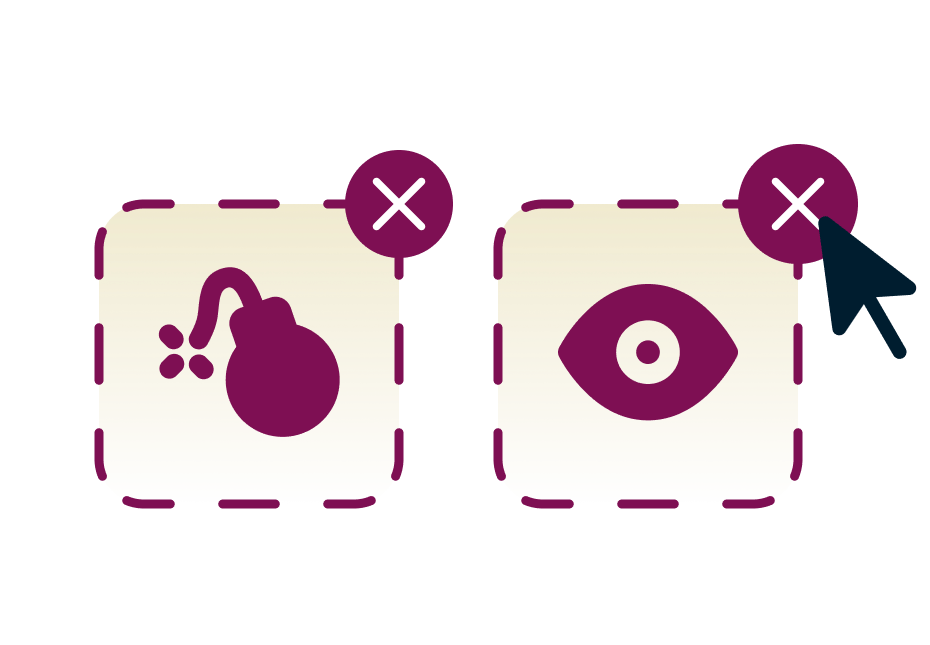
Tracker and malicious site blocker
Protect your online traffic from malicious sites and trackers
-
![advanced protection ad blocker illustration feature website webpage blocking]()
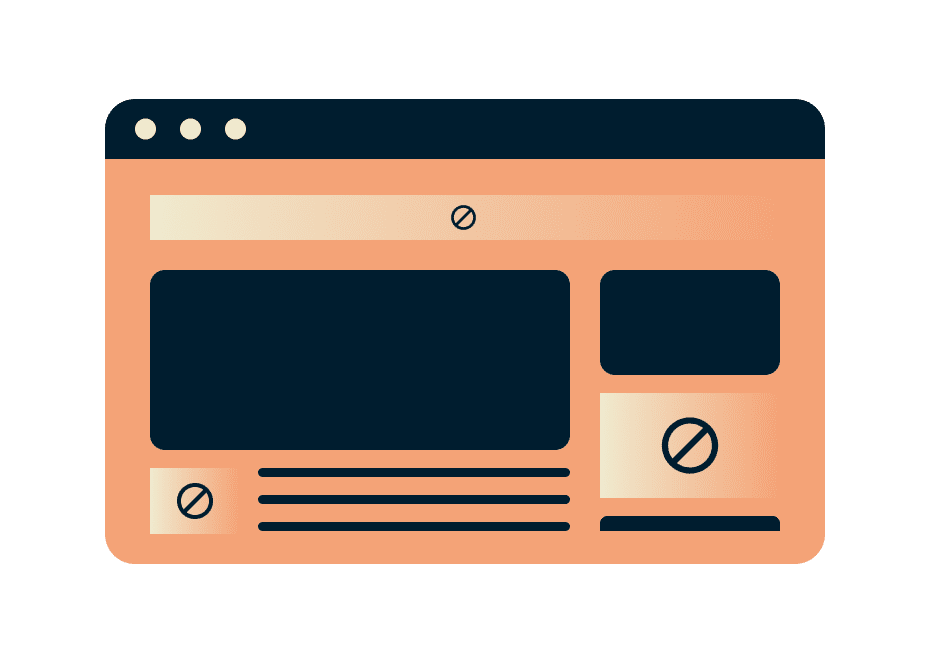
Ad blocker
Hide intrusive display ads when browsing the web
-
![generic advanced protection adult site blocker illustration]()
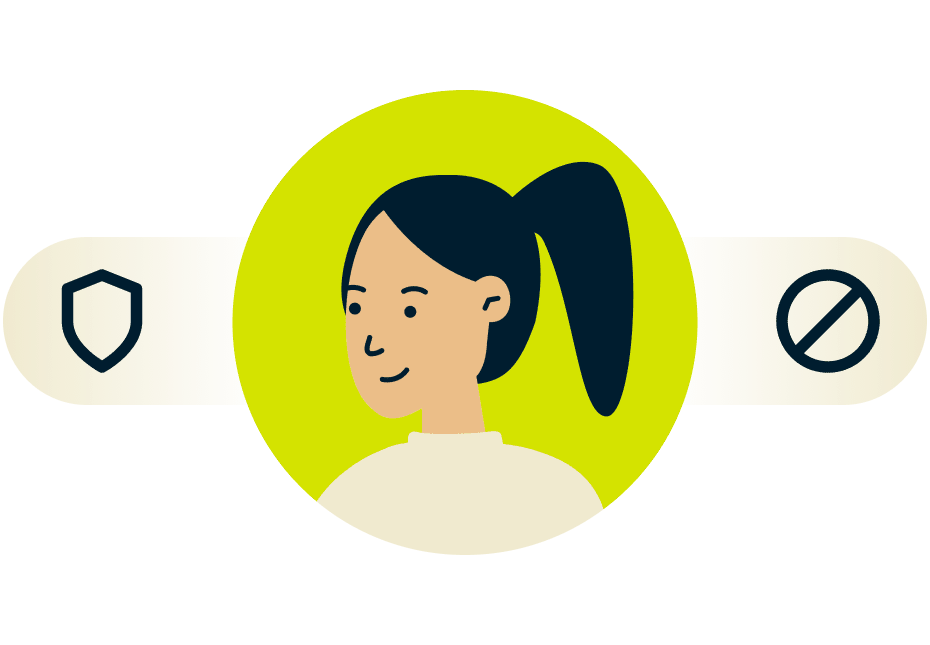
Parental controls
Block access to explicit or unwanted content
Advanced protection made easy
-
![3f5c85936222087fa0b9a4281ba3c69e]()
Included with ExpressVPN
All ExpressVPN plans include extra protection features. Choose a plan that includes what you’ll actually use and avoid paying for what you don’t need.
-
![C54a51603b7c1c88c404359fc6d4defb]()
All in one app
Advanced protection features are built into ExpressVPN, so there's no need to install extra apps.
-
![29c027d5fc1d67d63cb447df136ad7f6]()
Seamless VPN integration
Our VPN and advanced protection features complement each other, delivering the best speeds and performance.
-
![53f7422cf049e2629e265d792b8376a2]()
Stay ahead of the latest threats
We regularly review and update our blocklists to protect you against the latest threats.
-
![9dc6a07306b98126f70f14a5cbd3dfac]()
Take control in one tap
Easily enable these features via toggles in the ExpressVPN app settings.
-
![D9995993597d40ae5b3b53f17a35a9c8]()
24/7 world-class support
Like with other ExpressVPN services, help with these features is readily available from our Support Team.


FAQ
Are these advanced protection features free?
Advanced protection features are included with ExpressVPN subscriptions, but feature availability depends on your plan. The Advanced and Express Pro plans include all the features on this page. The Basic plan includes everything except the tracker blocker. All features are optional and can be toggled on or off in your ExpressVPN app settings.
How do I activate these advanced protection features?
The full suite of advanced protection features is currently available on the ExpressVPN apps for iOS, Android, Mac, Windows, and Linux, depending on your subscription. Tracker blocking and ad blocking are available on the ExpressVPN app for Apple TV.
- iOS and Android: Tap Add-ons > Advanced Protection
- Mac: Click Add-ons > Advanced Protection
- Windows: Click Add-ons > Advanced Protection
- Linux: Click Add-ons > Advanced Protection
- Apple TV: Go to Profile > Advanced Protection
Do the advanced protection features work without turning the VPN on?
No, the advanced protection features only work when the VPN is turned on, and when the Lightway protocol is in use. Users who wish to use these features without turning the VPN on can do so via Aircove, our unique router product.
What devices can I use these advanced protection features on?
Our ad, tracker, malicious site, and adult site blockers are available on the ExpressVPN apps for iOS, Android, Mac, Windows, and Linux. The tracker blocker and ad blocker are also available on the Apple TV app. If you have Aircove, our VPN router, all advanced protection features are available for all devices connected to the router. They can be applied to any device connected to Aircove, even smart TVs and smart home appliances.
How do I know if these advanced protection features are working?
The advanced protection features block apps and websites on your device from communicating with harmful sites, trackers, and adult sites on our blocklists. The blocking occurs locally, and the blocked domains never leave your device. You can verify that the features are working if you cannot access the sites on our blocklists.
How do you determine what counts as ads?
Our ad blocklist is compiled from publicly available and open source lists of known ads. We regularly review and update these blocklists so that you can stay protected against the latest threats.
How do you determine what counts as adult sites?
Our adult site blocklist is compiled from publicly available and open source lists of known ads. We regularly review and update these blocklists so that you can stay protected against the latest threats.
I still see ads with the ad blocker turned on. Why is that?
The ad blocker only blocks ads identified in our blocklists. We update our blocklists weekly, and will continue to improve the range of ads that we block. Users can also report ads to us by contacting our Support Team, and we will look into blocking them.
Does using an ad blocker affect my web browsing experience?
Certain services or websites may not work correctly if you use the ad blocking feature. If this occurs, you can temporarily disable ad blocking within the advanced protection settings or contact our Support Team for assistance.